

Download Google TV – streaming, free movies, live TV, watch online, TV guide, Android, iOS, Windows, Mac, video content, entertainment, streaming app, online TV, watch series, live channels, free streaming, video library, TV shows, movie streaming, on-demand content, streaming service
Overview
Google TV is a multimedia streaming application designed to deliver a unified experience for accessing both on-demand and live video content. It serves as a centralized platform where users can discover, organize, and enjoy a vast library of movies, TV series, and live television channels—all available at no cost. The software caters to a broad audience, including casual viewers, cord-cutters, and international content enthusiasts seeking diverse programming in multiple languages. Its primary function is to aggregate content from various sources into a single, intuitive interface, reducing the need to switch between multiple apps.
Users benefit from a curated selection of over 700,000 movies and TV episodes, organized by genre, topic, and trending popularity. The platform supports personalized recommendations based on viewing habits and integrates with subscribed services to highlight content available through those platforms. Additionally, Google TV enables users to purchase or rent titles directly via the Shop tab and download them for offline playback. The app also supports content curation through a Watchlist feature, allowing users to save shows and films for future viewing. For those using compatible smart TVs, Google TV can function as a virtual remote, simplifying navigation and input entry.
Key Features & Capabilities
- Extensive Video Library: Access to over 700,000 movies and TV episodes across genres, including action, drama, comedy, and documentaries.
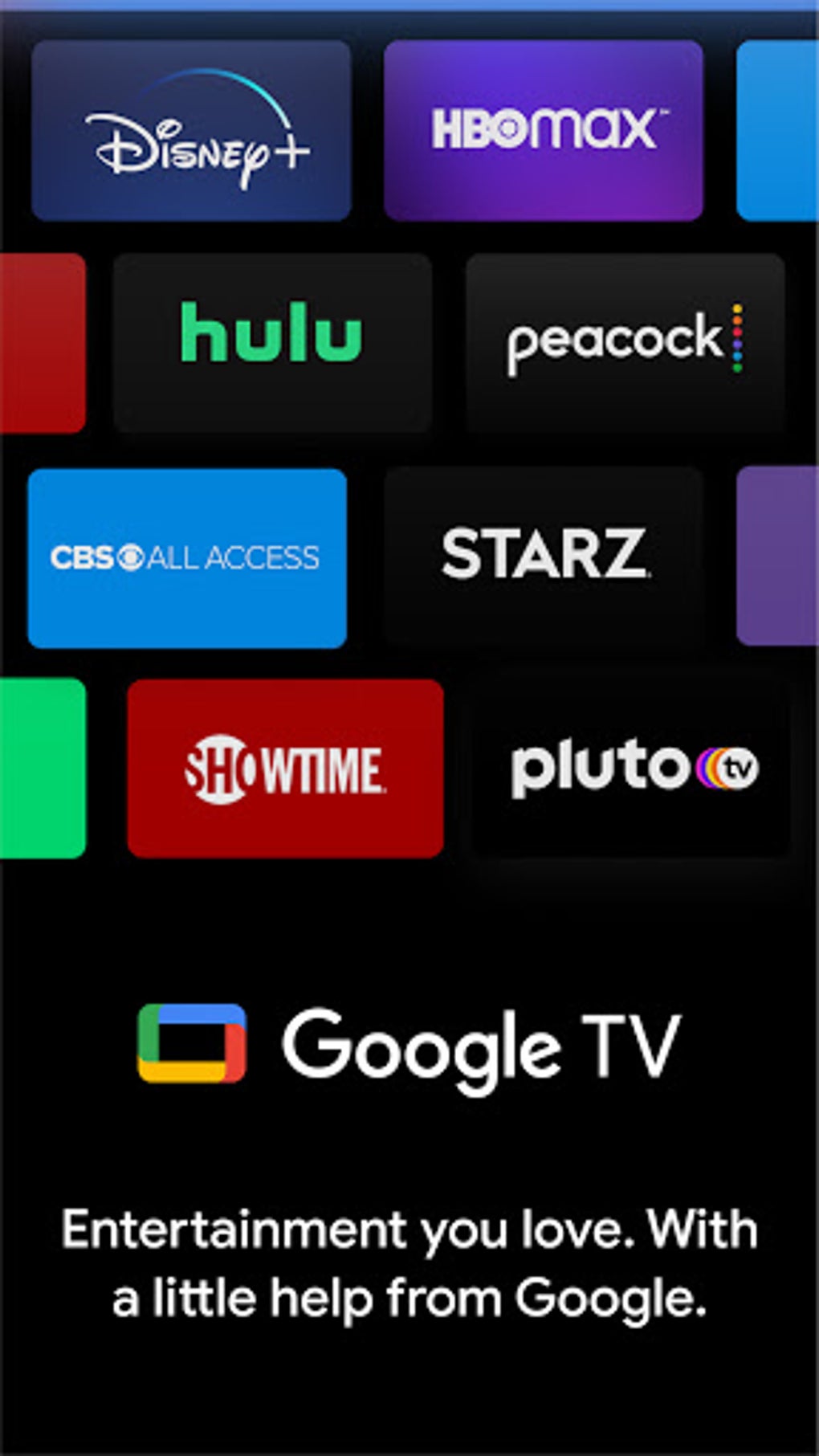
- Live TV Streaming: Stream more than 800 free live channels from providers such as Tubi, Plex, Haystack, Pluto TV, and Google TV’s built-in channels.
- Global Content Access: View programming in multiple languages, including Spanish, Japanese, Hindi, and others, supporting international audiences.
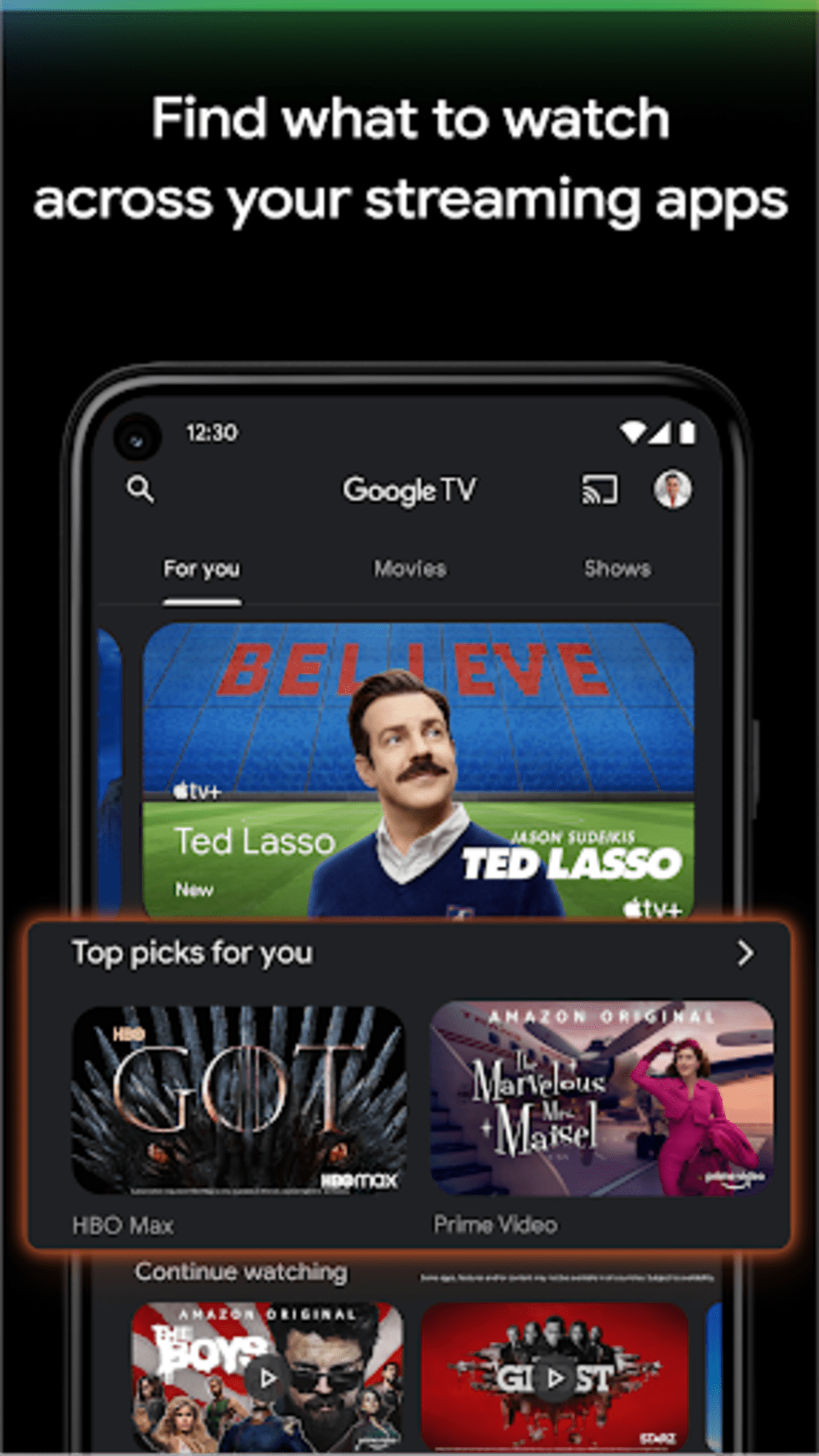
- Personalized Recommendations: AI-driven suggestions based on user preferences and trending content across subscribed services.
- Watchlist & Offline Viewing: Save favorite titles and download them for offline access, ideal for travel or areas with limited connectivity.
- Smart TV Integration: Use the app as a virtual remote to control smart TVs, reducing input complexity during navigation.
- TV Guide & Scheduling: A streamlined guide displays channel lineups, premiere times, and brief descriptions for upcoming shows.
- Screencasting Support: Cast content to compatible devices such as smart TVs, tablets, or computers for larger screen viewing.
These features collectively enhance user engagement by simplifying content discovery and improving viewing flexibility. For example, a user interested in international news can quickly switch between live feeds from global broadcasters, while a family seeking entertainment can browse genre-specific recommendations and download a movie for a road trip. The integration of live TV with on-demand content positions Google TV as a versatile alternative to traditional cable and premium streaming services.
User Interface, Workflow & Performance
The user interface of Google TV is structured around a clean, card-based layout with horizontal scrolling sections for categories, recommendations, and live channels. Navigation is intuitive, allowing users to move seamlessly between tabs such as Home, Live, Library, and Shop. The design emphasizes visual hierarchy, with large thumbnails and clear labels to improve accessibility.
Workflow efficiency is enhanced through features like the Watchlist and personalized feeds, which reduce the time spent searching for desired content. The app supports quick access to frequently used functions, including playback controls, search, and casting options. However, the developer did not specify resource usage details, and performance observations are based on general software behavior patterns. Some users have reported that media playback may pause unexpectedly when the mobile device locks, and the app occasionally fails to resume from where a series or movie was previously watched. Stability during extended use has not been officially confirmed, though no widespread crashes were reported in the available documentation.
Compatibility & System Requirements
Google TV is available on Android, iOS, Windows, and Mac operating systems. The current version is 1.23.1, with a file size of 128 MB. This indicates a lightweight installation suitable for most modern devices. Platform compatibility information is limited to the listed operating systems, and no additional hardware requirements were provided. The developer did not specify exact system requirements, such as minimum RAM, CPU, or storage space needed for optimal performance.
Users should ensure their device meets standard requirements for running mobile or desktop applications, particularly for streaming high-definition content. While the app supports a wide range of platforms, compatibility with older versions of Android or Windows is not confirmed. Installation and updates are handled through official app stores or direct download links, depending on the device.
Pros and Cons
Pros
- Free access to a vast library of over 700,000 movies and TV episodes.
- Extensive live TV streaming with more than 800 free channels from diverse providers.
- Supports multiple languages and international content, broadening accessibility.
- Intuitive interface with personalized recommendations and easy navigation.
- Offline downloads and screencasting capabilities enhance flexibility.
- Functions as a virtual remote for smart TV control.
Cons
- Occasional playback interruptions when the device locks or switches to background mode.
- Some users report the app forgetting playback progress on series or movies.
- Exact system requirements were not listed, which may affect compatibility on older devices.
- Performance under prolonged use or low network conditions is not documented.
FAQ Section
Is Google TV available for free?
Yes, Google TV is available at no cost. Users can access its core features, including on-demand content and live TV streaming, without a subscription.
Which devices support Google TV?
Google TV is compatible with Android, iOS, Windows, and Mac operating systems. It can be installed on smartphones, tablets, smart TVs, and desktop computers.
Can I watch live TV without a subscription?
Yes, Google TV offers more than 800 free live channels from providers such as Tubi, Plex, Haystack, Pluto TV, and Google TV’s own channels. No paid subscription is required to access these streams.
Does Google TV require an internet connection?
Yes, an active internet connection is required to stream content. However, users can download titles for offline viewing, which allows limited access without connectivity.
How often is Google TV updated?
The latest version is 1.23.1, released on July 15, 2023. Updates are typically distributed through official app stores and may include bug fixes, performance improvements, and new features.
Final Thoughts
Google TV stands out as a powerful, free streaming solution that combines the best of on-demand entertainment and live television. With access to over 700,000 titles and more than 800 live channels in multiple languages, it serves as a comprehensive platform for modern viewers. Its intuitive interface, personalized recommendations, and offline capabilities enhance usability across diverse user needs. While minor issues with playback continuity and progress tracking exist, they do not significantly detract from the overall experience. For individuals seeking a versatile, secure, and feature-rich streaming app that works across Android, iOS, Windows, and Mac, Google TV offers exceptional value.
Download Google TV now





.png)

